

The customer called and changed the order. Until now, someone on your team had to stop, open the Hub, find the deal and edit the item. This edition changes that: a team member asks the agent by message, and it does it.
Your team adjusts orders by chatting with the agent
The agent that talks to your team has new functions for deals and work orders:
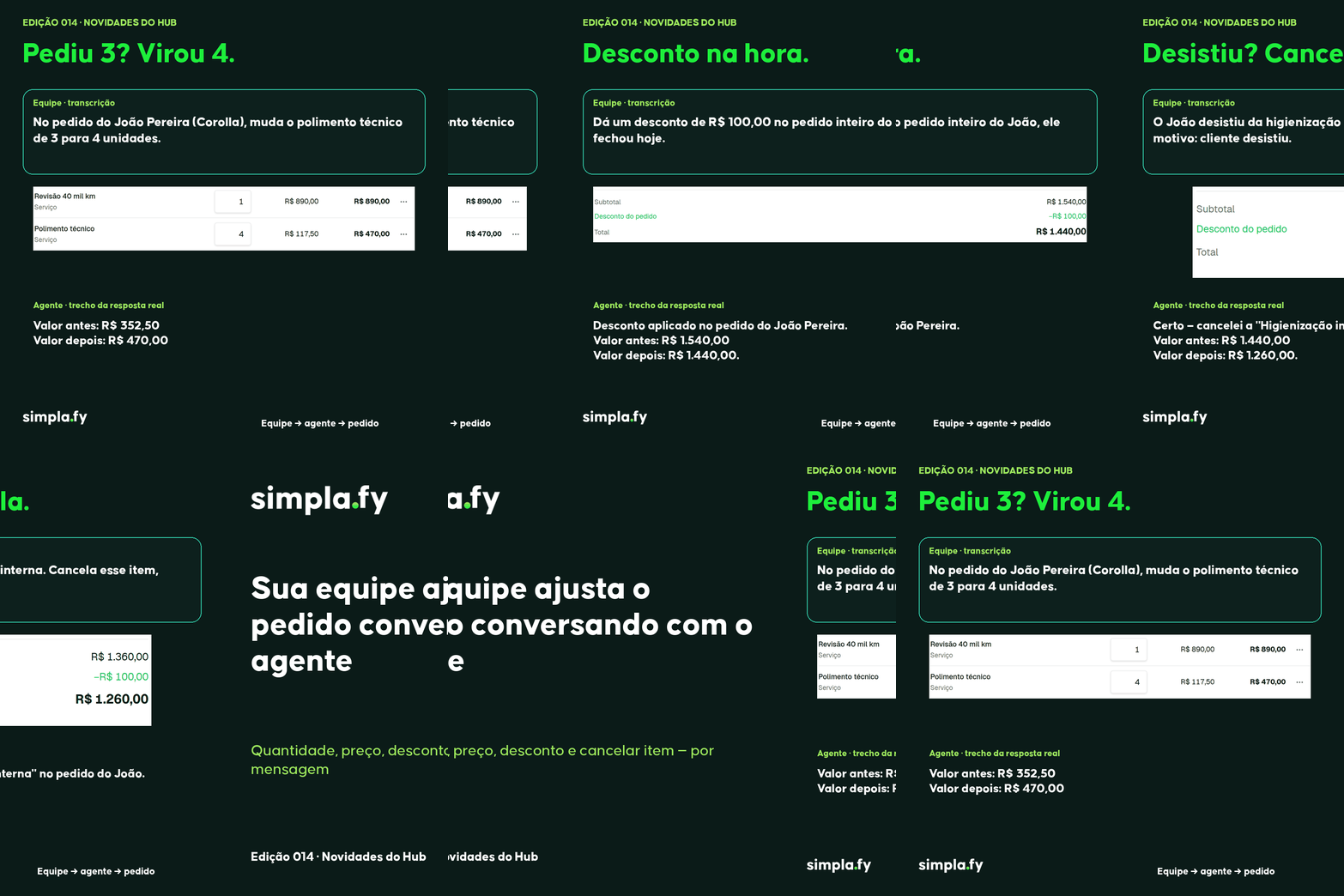
- Edit item: changes a line's quantity, price or discount, and the deal value is recalculated right away.
- Cancel item: removes a line from the order, with the reason, and the value is recalculated without it.
- Edit order: adjusts the discount on the whole order.
Every change is recorded, with the agent as the author.
In practice: the workshop's attendant writes to the agent «on João's order, change the polishing from 3 to 4 units». The agent replies «Done: 3 → 4 units. Line total: R$ 470.00». Then: «the customer gave up on the polishing, cancel it». The agent cancels the line and the order value drops right away.
How to turn it on (screen labels are in Portuguese for now):
- Open your team's agent and, in «Controle de acesso» (access control), set it to «Lista fechada» (closed list), with only your team members, and without the Web Chat channel. Only an administrator can change the reach.
- In Tools, open the «Fy: CRM» card and turn on «Editar item do negócio ou da OS», «Cancelar item do negócio ou da OS» and «Editar pedido (negócio ou OS)». They come off by default.
- In the same card, under «Alcance» (reach), choose «Tudo o que foi liberado» (everything that was granted).
Important: these functions are for your team's agent. The agent that serves your customers doesn't change prices or items: if a customer asks, it says the team needs to do it.
Also in this edition
The Catalog finds the item even with a different name
When the agent searches the Catalog and doesn't find the exact name, it now gets similar items and offers the options, instead of saying the item doesn't exist. A misspelled request still finds the right item.
Questions? Write to [email protected].