


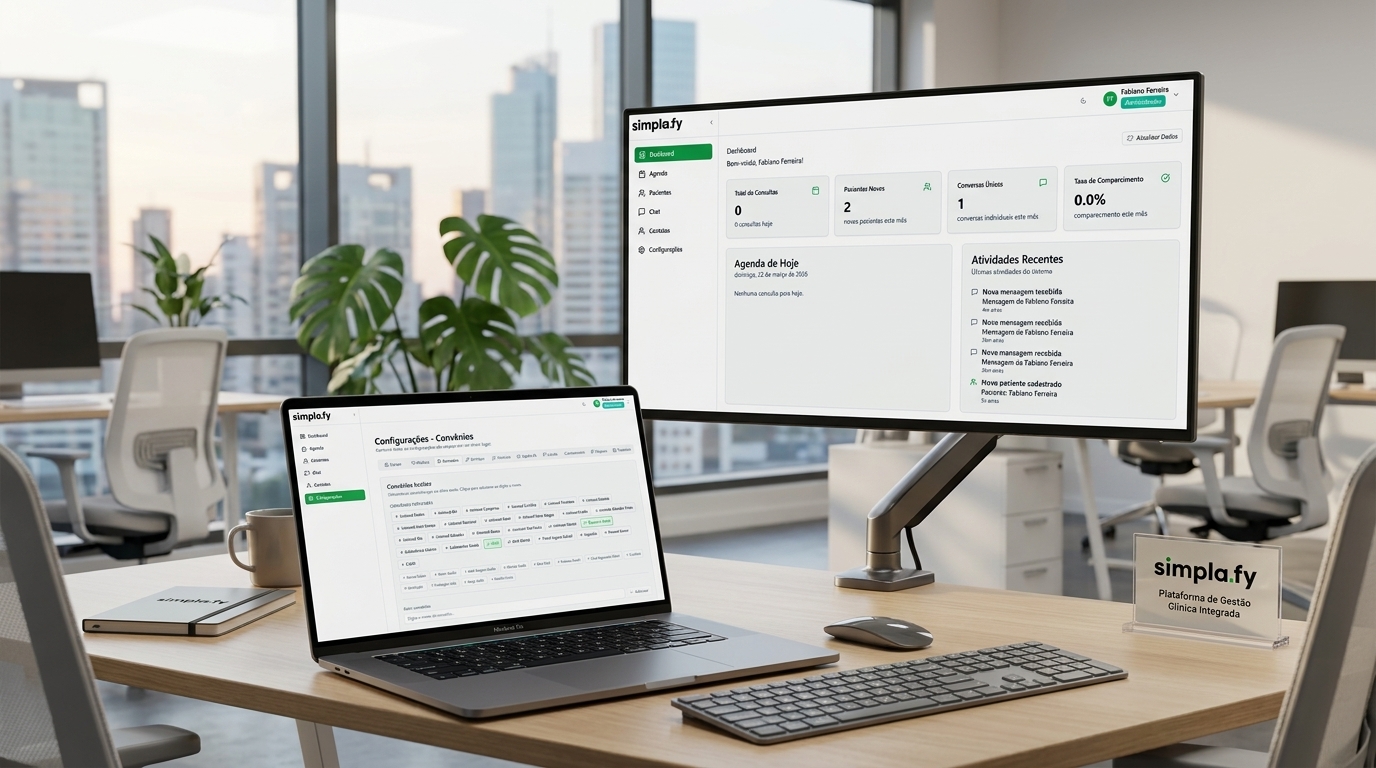
Healthcare professionals do not sit at a desk all day. Doctors check the schedule between appointments in the hallway. Receptionists answer patients from their phones. Managers approve team invitations while waiting in meetings. Simplafy Health needed to keep up with that reality — and now it does. The March release brings a complete responsive mobile experience: chat, onboarding, profile, support and, for the first time, WhatsApp setup directly on the phone.
What used to break
Until this version, Simplafy had inconsistent mobile experiences. Some screens broke on phones. The WhatsApp onboarding required a computer: the generated QR Code had to be opened on the desktop to be scanned, and anyone who started signing up on a phone gave up at this step. The chat did not fill the whole screen on mobile, squeezing the content. Managers who wanted to change their password or access settings from their phone found outdated layouts.
The problem is not trivial. A clinic that starts signing up on a phone and gets stuck on the WhatsApp setup simply gives up. Onboarding abandonment among mobile users was real. This deploy closes that gap.
What changed
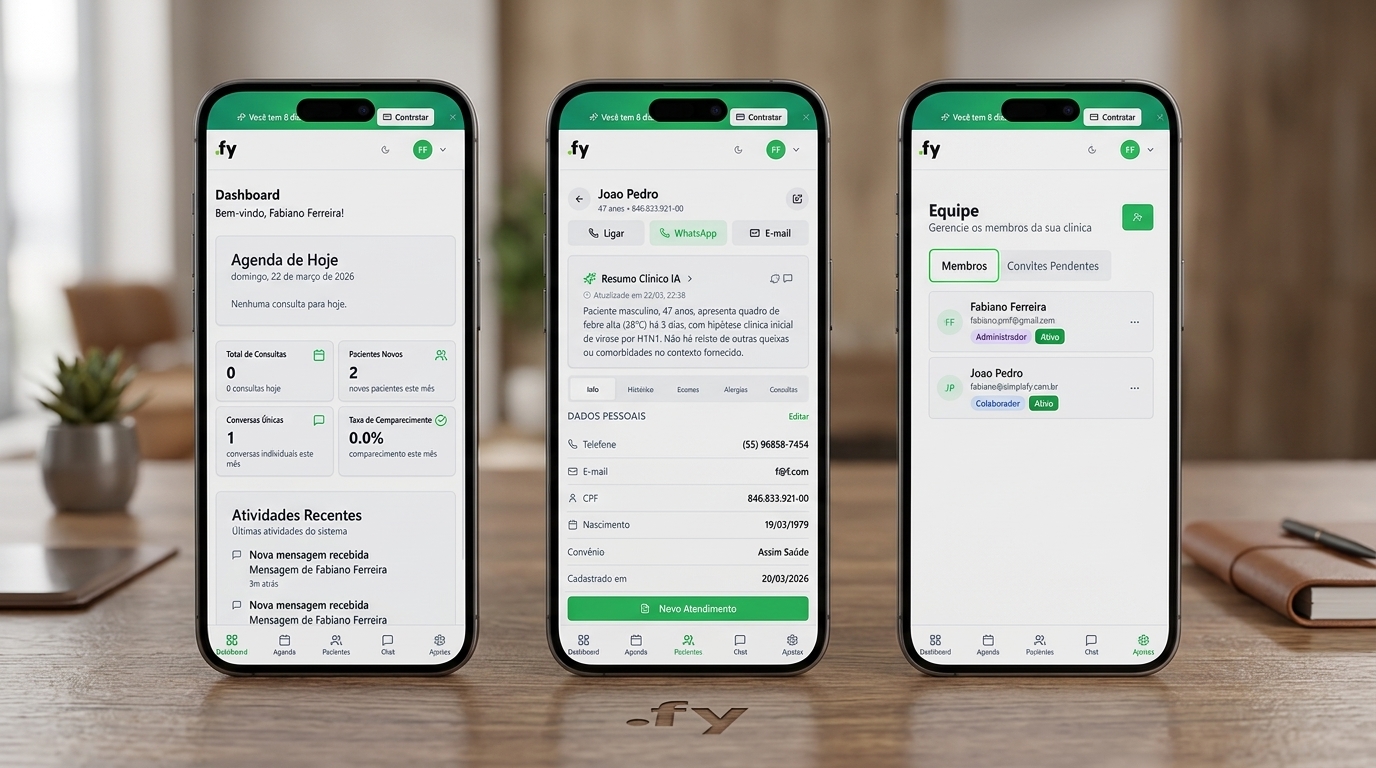
The chat with patients now takes up the full height of the screen on mobile. Scrolling in long histories was fixed. The experience matches the desktop — anyone who answers patients from their phone no longer has to fight bars that squeeze the messages. The new clinic onboarding automatically detects whether the user is on a phone and adapts each step. Nothing breaks, nothing disappears. Every step of the activation flow has a working mobile version.
WhatsApp setup now works on the phone. The WhatsApp step in onboarding detects the device: on a phone, it shows the QR Code directly on the screen with clear instructions — open WhatsApp, Linked devices, point the camera. It works. For those who prefer to set it up on the desktop, the system offers the option “Set up later on desktop”, saves your progress and generates a link to resume exactly at that step on the computer. No data is lost.
Profile, settings and support
The profile and settings sections — including password change and personal data management — were modernized with a responsive layout. The role badges (Administrator, Collaborator, Healthcare Professional) appear correctly in the profile header, including on mobile. Access to support and help resources follows the same fluidity as the desktop. Visual components were aligned with the current design system.
Device detection is silent. The user does not need to do anything — the system adapts on its own. Whoever accesses it from a phone sees the mobile version; whoever accesses it from a computer sees the desktop version. The same account, the same flow, screens that work on any screen.
Why this matters
The mobile experience is an increasingly used criterion when evaluating clinic management systems. Smaller clinics, where the same professional performs multiple roles, need quick access from any device. Simplafy stops being the system you only use at the desk and starts following the clinic's real routine: in the office, in the hallway, at home.
A functional mobile onboarding directly reduces sign-up abandonment. A clinic that starts on a phone and used to get stuck on the WhatsApp setup now completes the process. The product no longer loses users over a step that did not work on mobile. For plans that support the WhatsApp Business Cloud API, the system clearly distinguishes the two options: QR Code available on mobile, Cloud API oriented to desktop, with an explanation of why — no confusion for those who use each model.
What to expect in practice
If you started signing up for Simplafy on your phone and got stuck on the WhatsApp setup, that is over. The complete flow — from the initial sign-up to activating the chat with patients — works on the phone. Profile, settings and support follow the same standard. The system your team uses is now in the palm of your hand. From anywhere, on any screen: onboarding, schedule, chat and support. All adapted for those who do not sit still all day.
Want to see how it works in your clinic? Try it free for 10 days at simplafy.com.br/saude — no credit card required.
References used to produce this content:
- Simplafy Health launch briefing — March 2026 (Posts 2 and 3)
- Simplafy Health — simplafy.com.br